Record anything: your computer or your iPhone.
Your whole screen, one window, or a part you draw a box around. Your iPhone appears with no cable and no app. Start again without reconnecting.
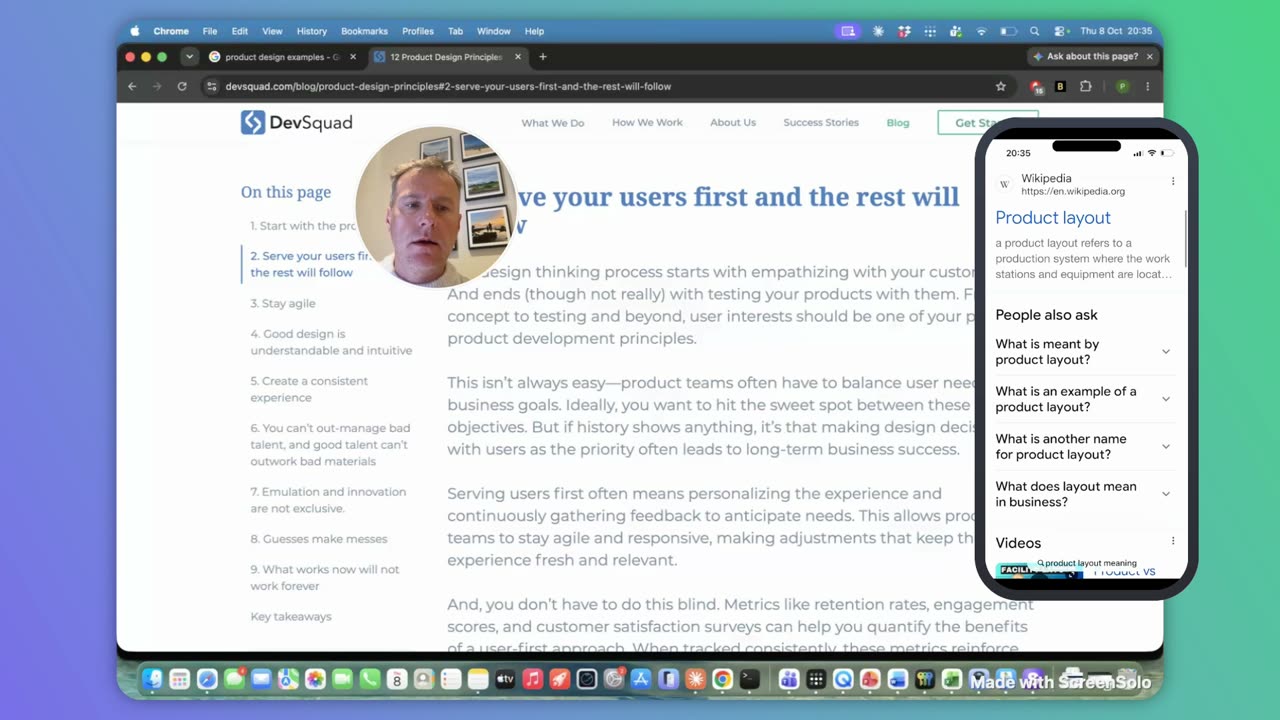
Put your iPhone on screen with no cable and nothing installed on it. Smart Capture zooms in on every click, and it all saves to your computer.
What you get
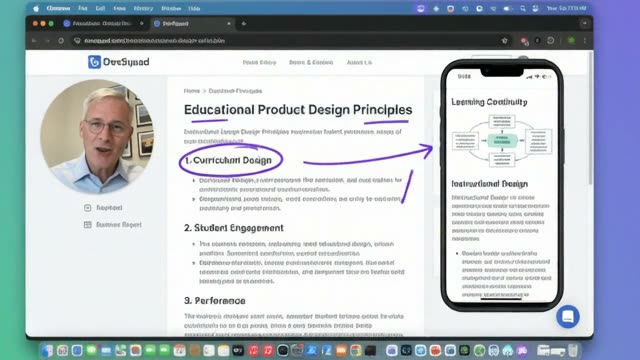
Record once. Save it as a video up to 4K for the wide screen, a portrait cut for the phone, or a PDF, Keynote or PowerPoint guide with every step on its own page.
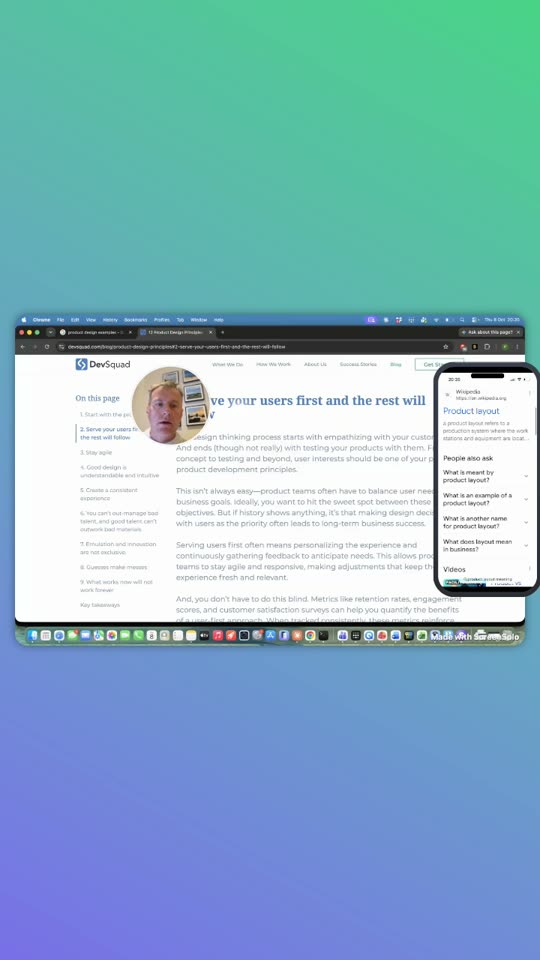
Every snapshot becomes a numbered step with the zoomed frame and a caption you can edit.
Your whole screen, one window, or a part you draw a box around. Your iPhone appears with no cable and no app. Start again without reconnecting.
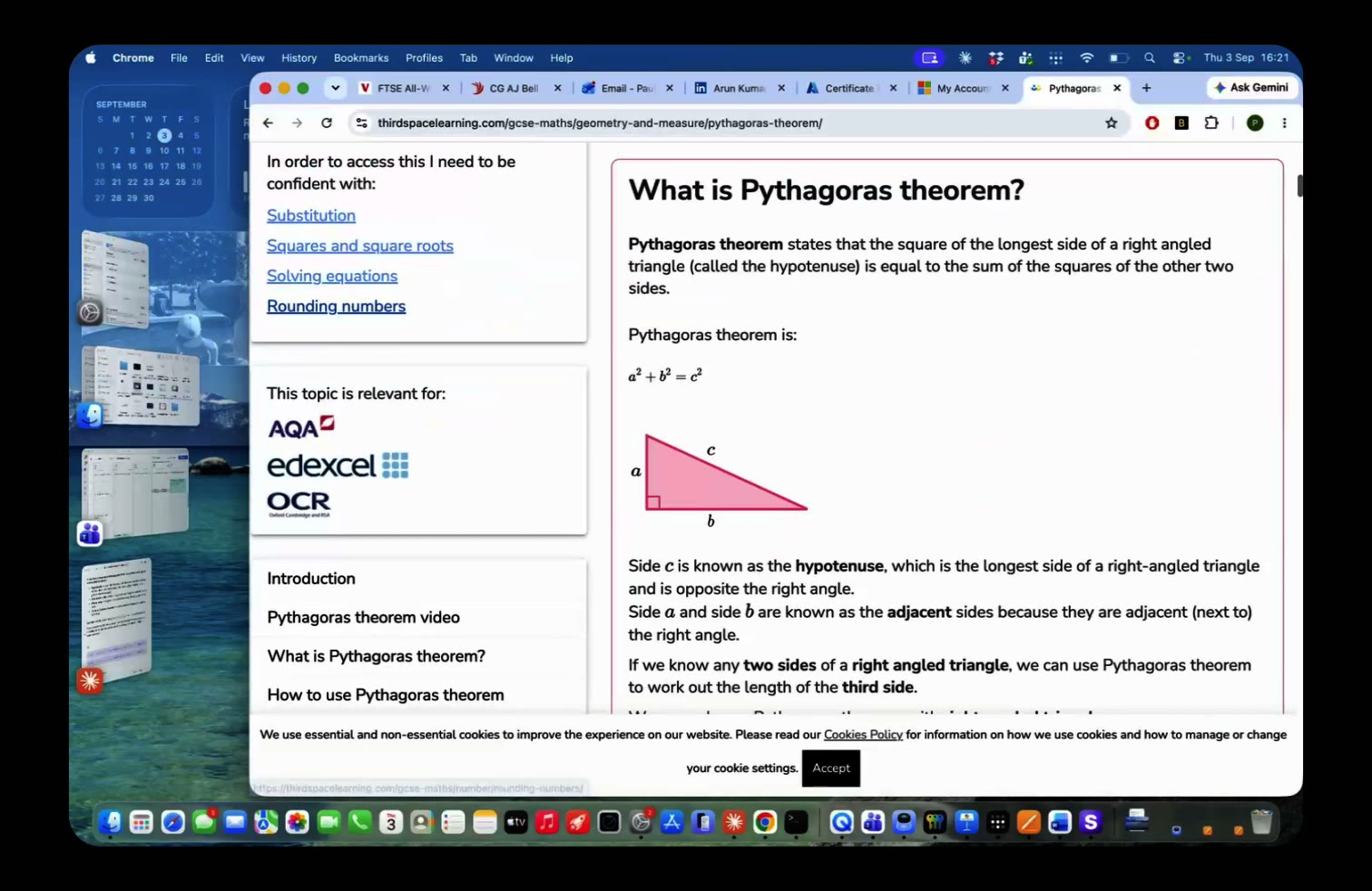
It zooms in, eases back out, and saves the moment as a snapshot. You can change or remove any zoom afterwards — one dial adjusts them all.
Type “blur my email and hide the camera” and it happens. One click undoes it. Save it as a video up to 4K, or as a PDF, Keynote or PowerPoint guide.
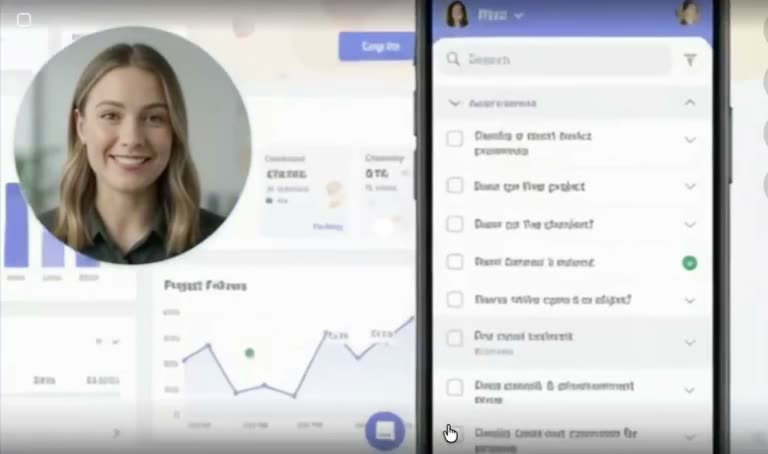
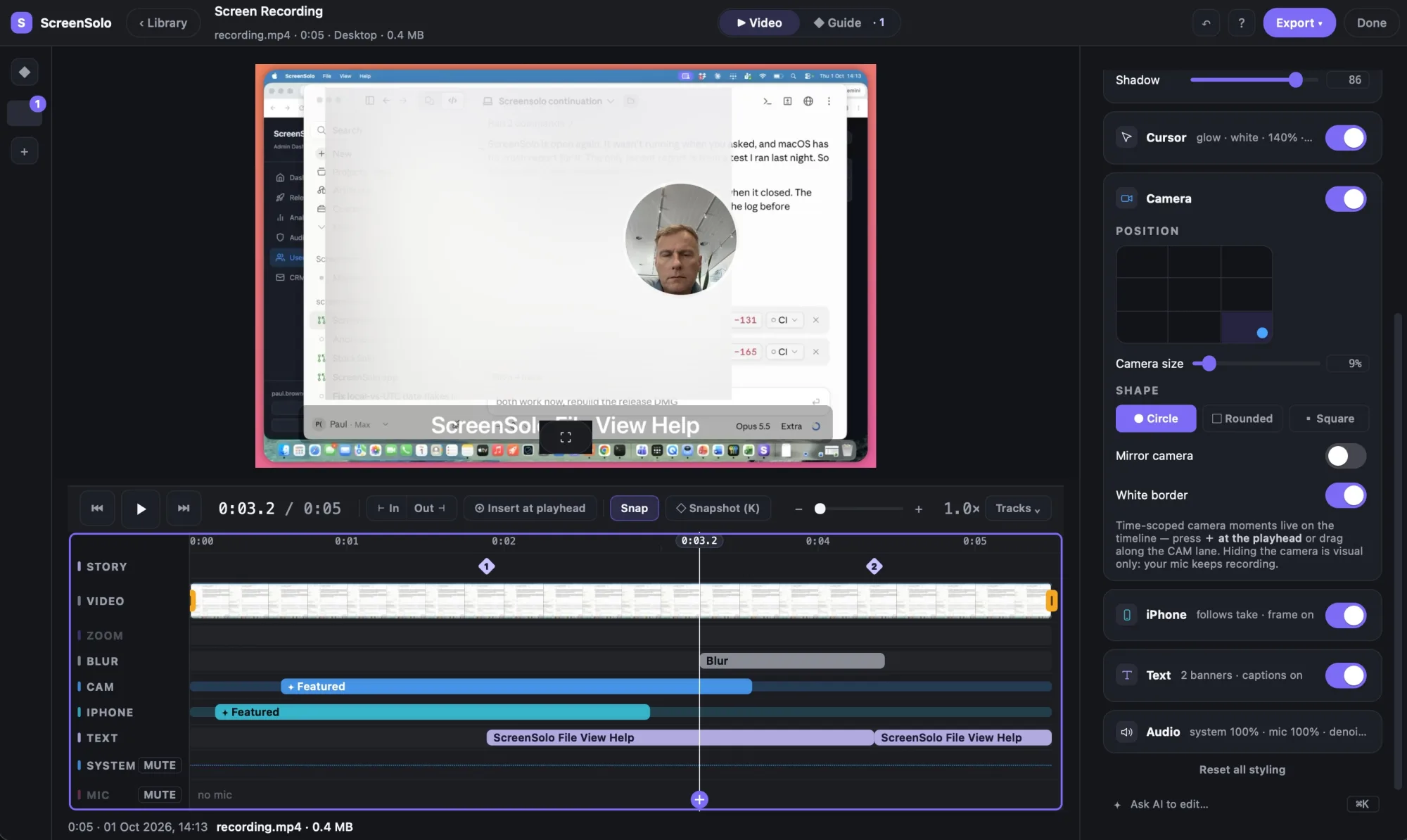
Your camera, the zooms, any text and the background all sit on top of the recording — and on Pro, so does your phone. Nothing is stuck where you put it. Move the phone, make it bigger, hide it while you type a password, or bring it to the front when it matters. Turn your camera on halfway through and it appears from that moment. Or just type what you want: “hide the iPhone at 0:10”.
On Free, the phone and camera are saved exactly as you saw them on screen, so they can’t be moved afterwards.
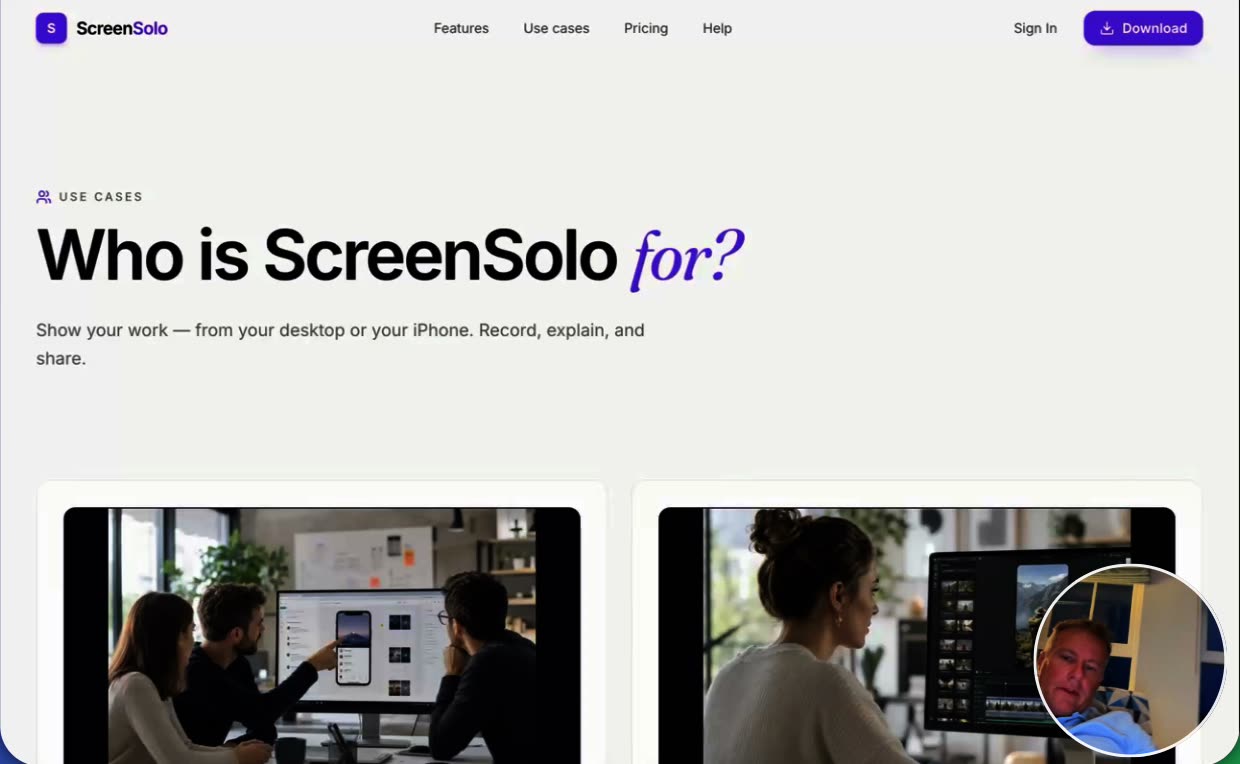
Nothing is uploaded. What you see is exactly what you get.
The editor
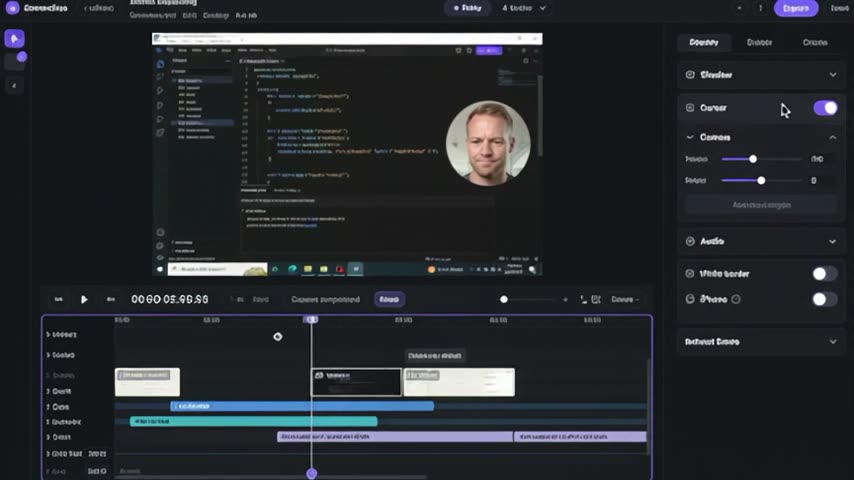
The recording, your zooms, blur, camera, iPhone and text all sit in lanes you can drag. Switch the output to Guide and the same take becomes numbered steps. Ask AI to edit with ⌘K, or press Snapshot to mark a step yourself.
The app
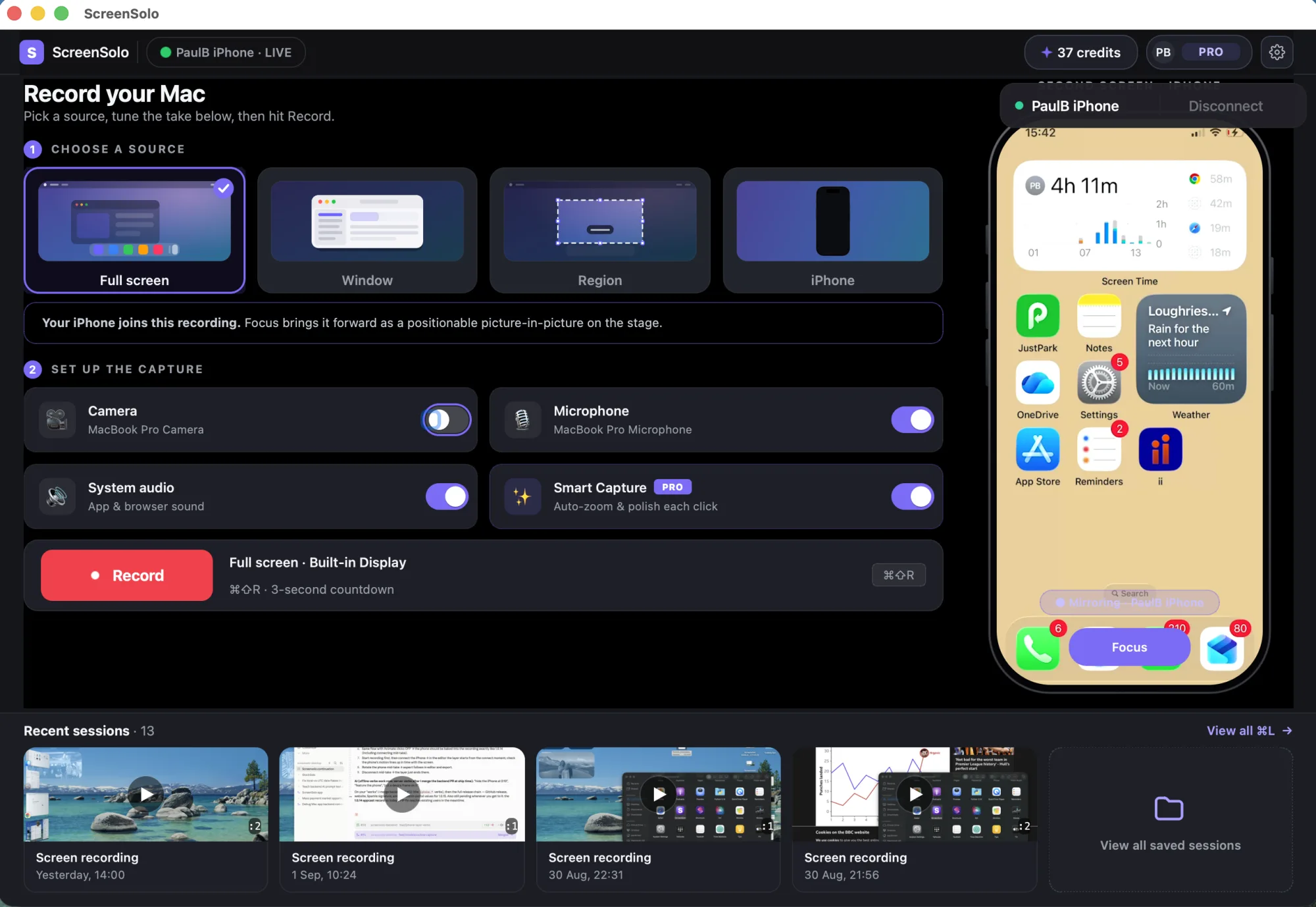
One window. Choose your whole screen, a single window, a part you draw a box around, or your iPhone. Turn on the camera, your microphone and Smart Capture, then record. Everything you have made waits underneath.
iPhone and iPad
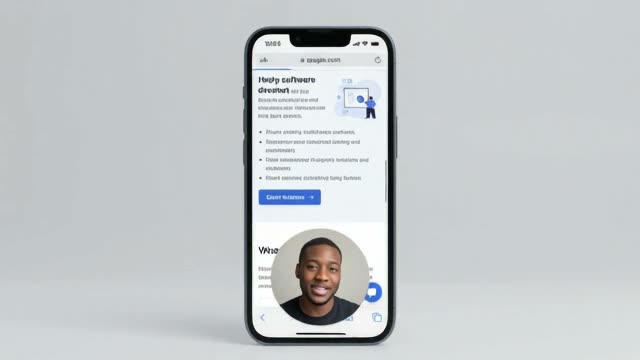
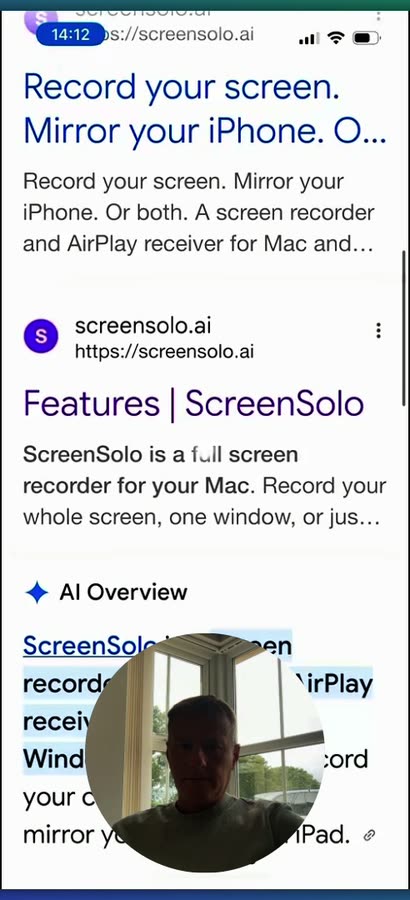
It works like an Apple TV. Your computer appears on your iPhone, you tap it, and your phone is on the big screen — no cable, and nothing to install on the phone.
Who uses it
Recording and editing happen on your computer. There is no render queue and no account needed to record.
AirPlay is already built into your iPhone and iPad. Only your computer needs ScreenSolo.
One subscription covers both, and new features arrive on both at the same time.
Record at full 1080p, up to five minutes a recording and five recordings a day, with a small watermark. Mirror your iPhone five minutes at a time, up to five times a day. Free never expires.
Zooms, text, your camera and your phone all sit on top of the recording, so nothing is stuck.
Type what you want changed and it happens — no timeline work. Included with Pro, and the free tier has 10 tokens to try it.
Ready when you are
Free for Mac and Windows. No account needed to record or mirror your iPhone.