Features
Record, polish, export. One app.
Record your screen or your iPhone, polish the take, and export a video, slides, or a guide. That’s the whole app.
Record anything on your screen.
Record your whole screen, one window, a region — or your mirrored iPhone — with your webcam alongside.
Screen, window, or region
Capture exactly what you want to show — nothing more.
Your webcam, alongside
A face bubble over your screen or iPhone recording.
Mic + system audio
Record your voice and your computer's sound together.
Five minutes at a time on Free
Mirror and record five minutes at a time, up to five a day, with a small watermark. Pro removes the limits.
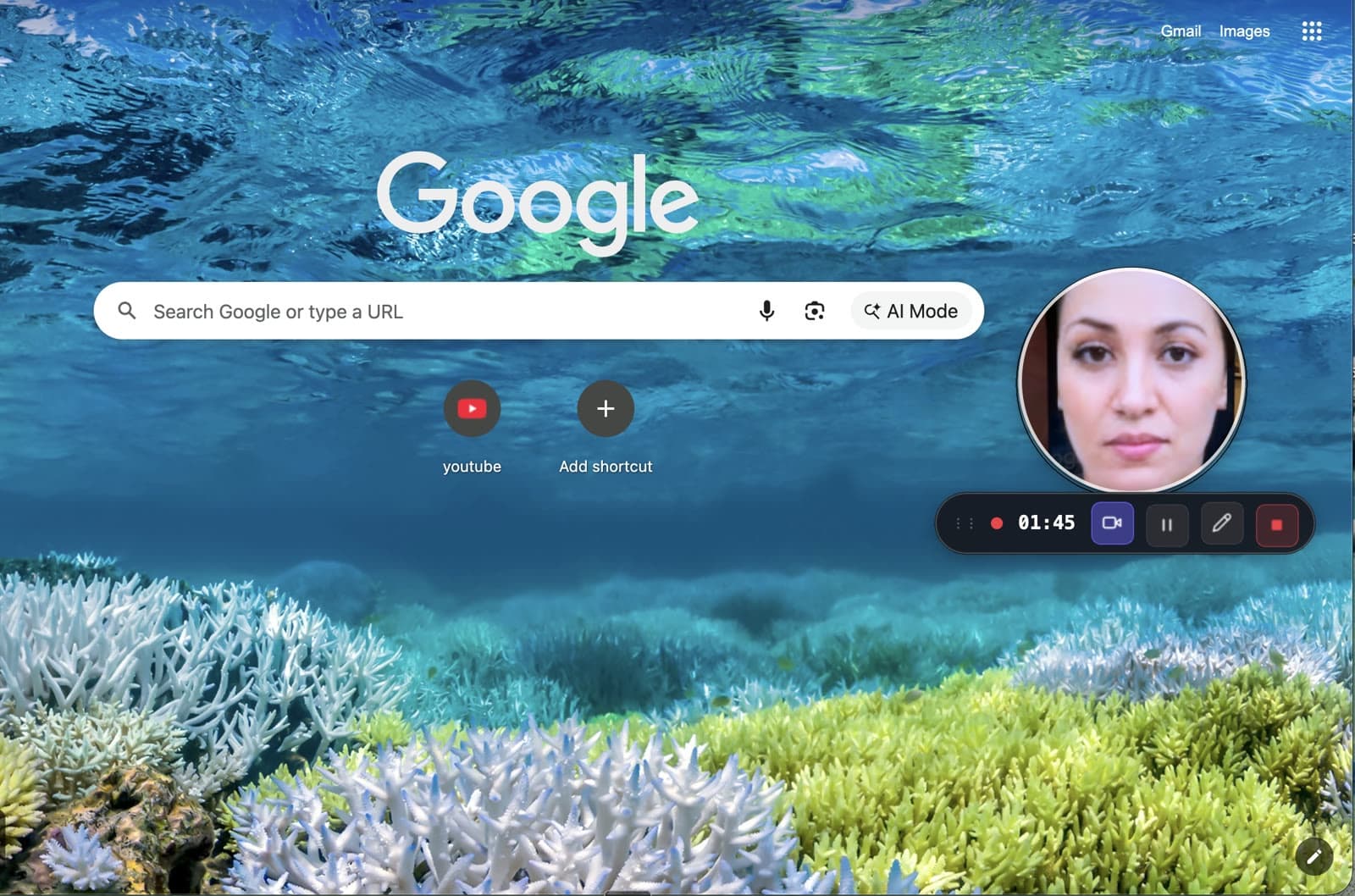
Zooms in on every click, on its own.
Smart Capture zooms in on every click for you. Change or remove any effect after you stop.
Auto-zoom
Every click gets a smooth zoom in and out.
One dial
Make every zoom stronger or softer at once.
Snapshots
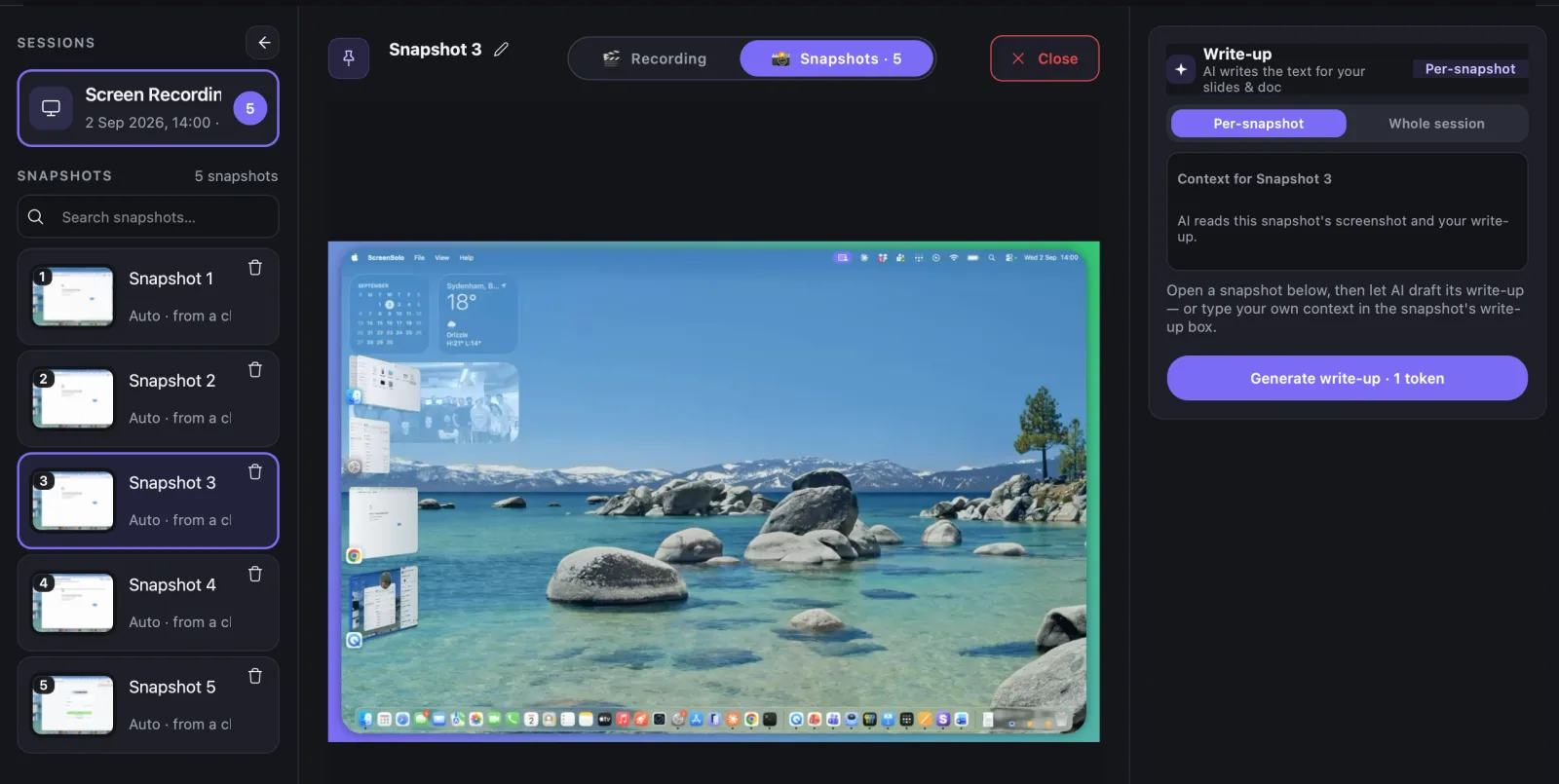
Key moments become still pictures for step-by-step slides.
Nothing is permanent
Effects sit on top of your recording, so you can change them later.
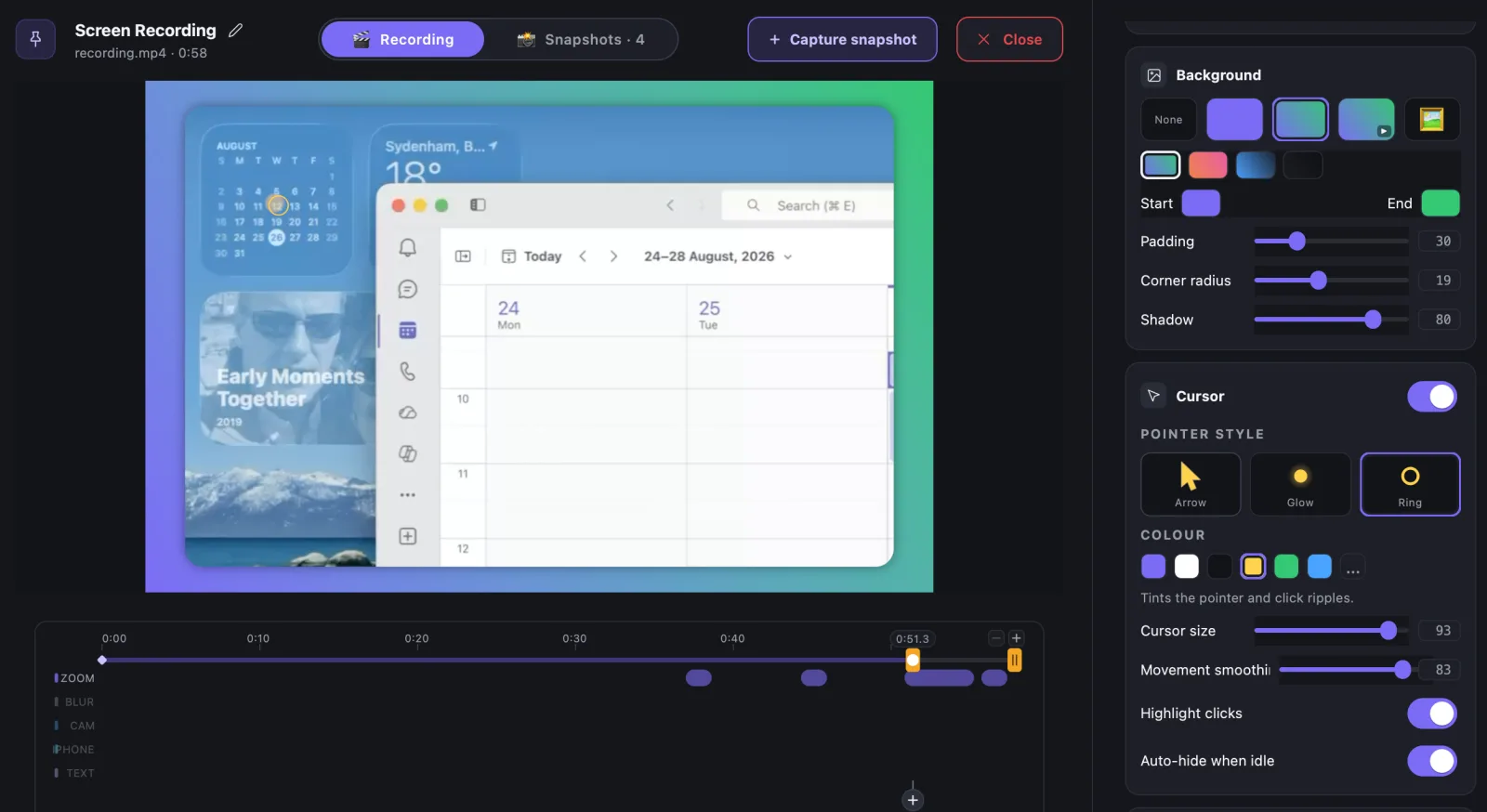
Mirror your iPhone. Record it. Do it again.
Tap AirPlay on your iPhone and it appears on your computer — no cable, and nothing installed on the phone. On Windows, ScreenSolo adds AirPlay receiving that Windows doesn't have on its own.
No setup
Your computer appears in the AirPlay picker automatically.
No cable, no app
It works over Wi-Fi. AirPlay is already built into iOS.
AirPlay on Windows
Windows can't receive AirPlay by itself. ScreenSolo adds it.
Focus Mode
Your iPhone, full screen — offered the moment it connects.
Live annotations
Draw, spotlight, and zoom over the mirrored screen while you present.
Optional PIN
Ask for a PIN before anyone connects in shared spaces.
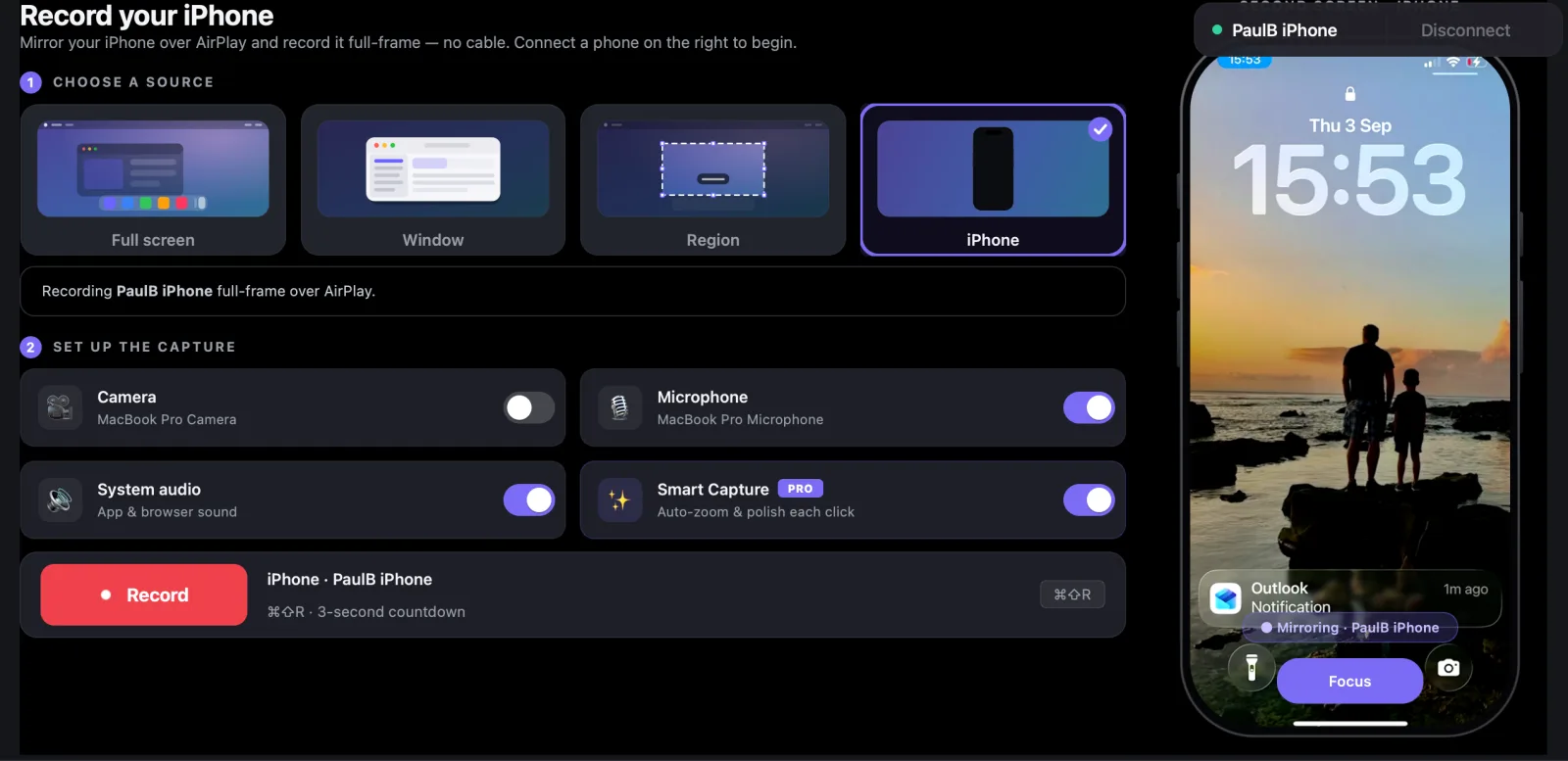
Mirror your iPhone into any meeting.
Just mirror — no recording needed. Share the ScreenSolo window in Microsoft Teams or Zoom and demo your iPhone live.
One tap to connect
AirPlay from Control Centre. Nothing installs on your phone.
Share into Teams or Zoom
Everyone in the call sees your phone, live and full-size.
Focus Mode
Your iPhone, full screen — no toolbars in the way.
Built for sales demos
Show the real app and annotate as you talk.
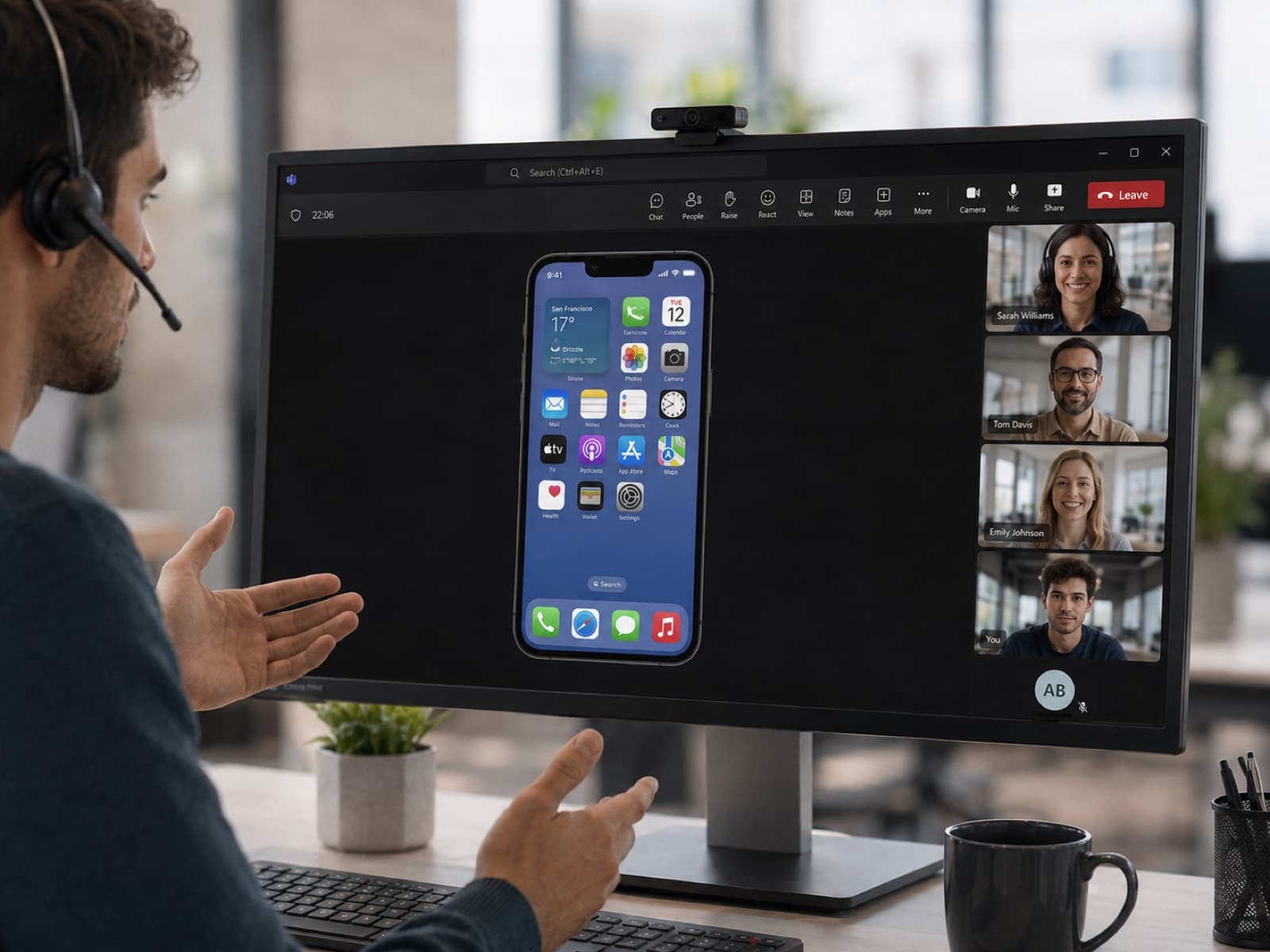
Edit by typing what you want.
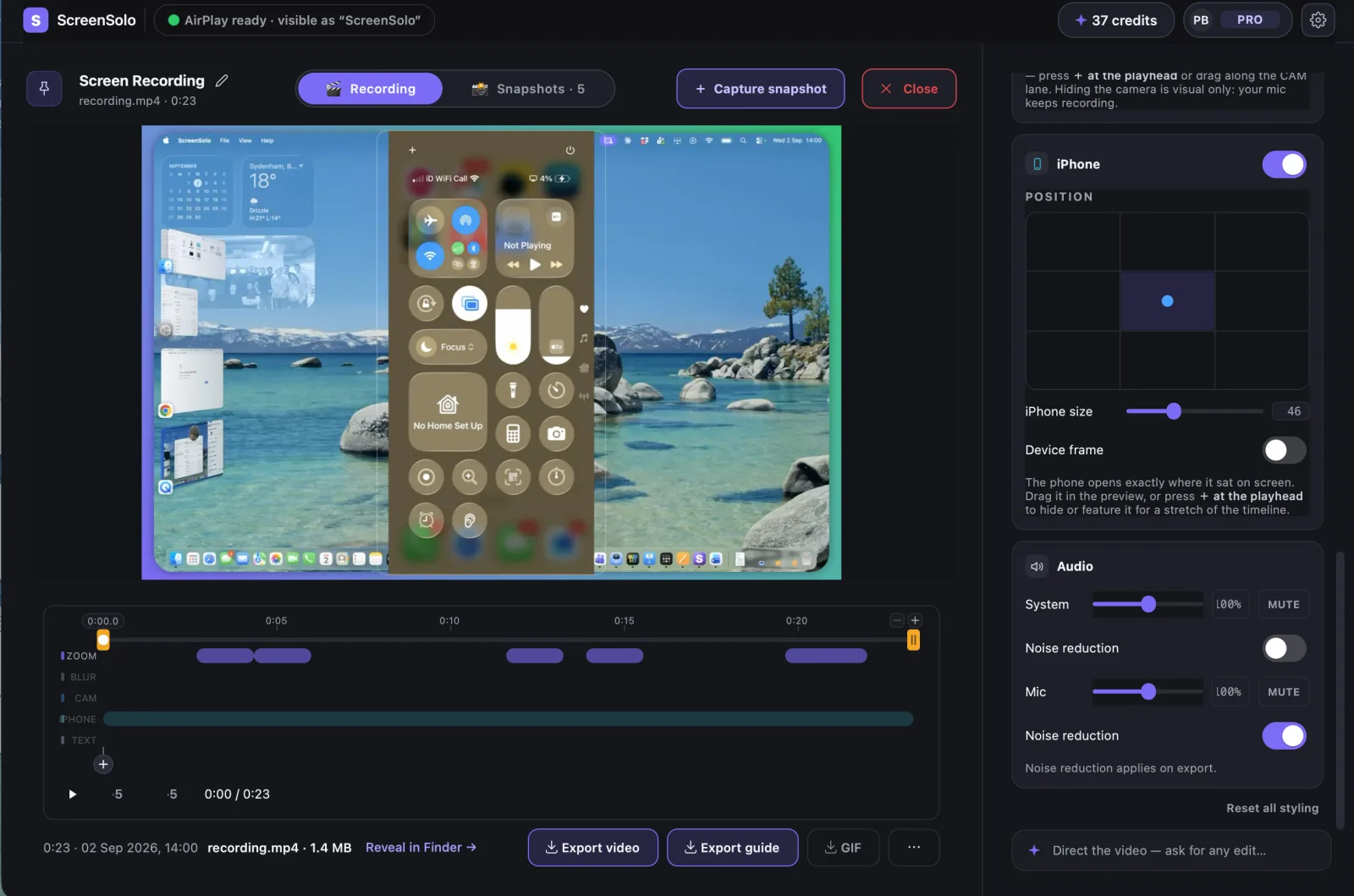
Type what you want — “blur my email and hide the camera” — and it's done. One click undoes it.
Drag to adjust
Every effect sits on the timeline. Drag it to move it or stretch it.
Move the phone
The mirrored phone is separate. Move it, resize it, or hide it.
Camera stays separate
Turn the camera on or off mid-recording and change it after.
Move your camera
Put your face in any corner, make it bigger, or hide it.
Backdrops
A colour, gradient, or image behind your recording.
Text banners
Drop a title anywhere — the text always fits.
Cursor styles
A big, bright pointer with a ripple on every click.
Region blur
Blur passwords and private details — no re-recording.
Trim
Cut the dead air at the start and end.
One recording. A video, slides, or a guide.
Ready for YouTube, TikTok, or a slide deck the moment you stop. Everything saves to your computer.
Export sizes
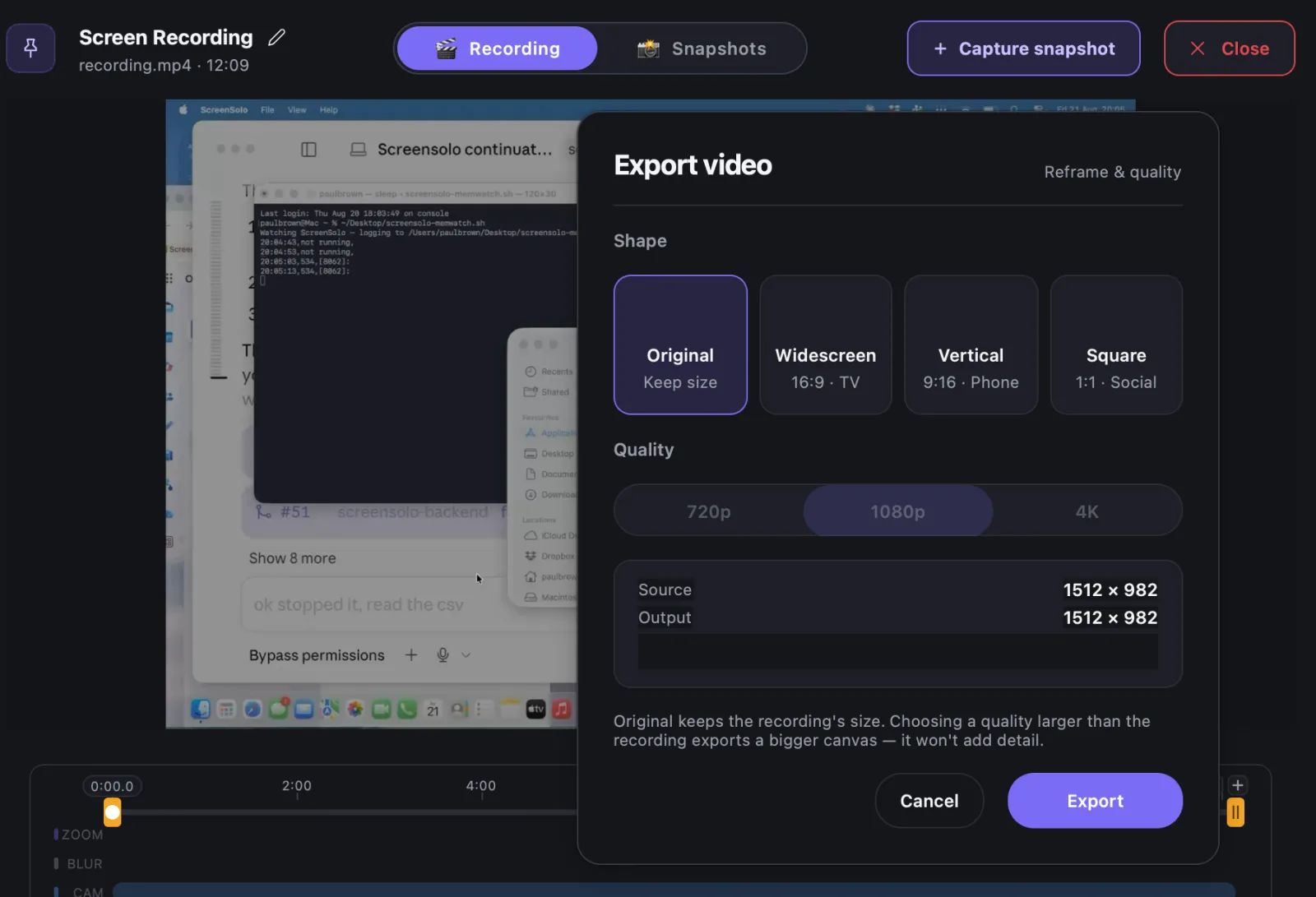
MP4 up to 4K — widescreen, tall, square, or original shape.
Guides
A PDF, Keynote, or PowerPoint guide, steps written for you.
Recap video
A short highlight video of your session to drop into chat.
Noise reduction
One switch cleans up room noise so your voice sounds clear.
AI editing, built into the app.
Type what you want changed and it happens. AI also writes up your snapshots and summarises the session. It runs only when you ask, and it comes with Pro.
Smart Extract
Drag over anything on screen — get clean text you can paste. 1 token.
Copy Text from Screen
Grab the plain text off any screen. Free, on-device.
Snapshot write-ups
One click turns a snapshot into a paragraph you can edit.
Session summary
One tap sums up the whole recording.
Ready to try it
Start recording in 30 seconds.
Download ScreenSolo. Free never expires — no account needed to record, mirror your iPhone, or draw on your screen.