For mobile gamers
Big screen, bigger replays.
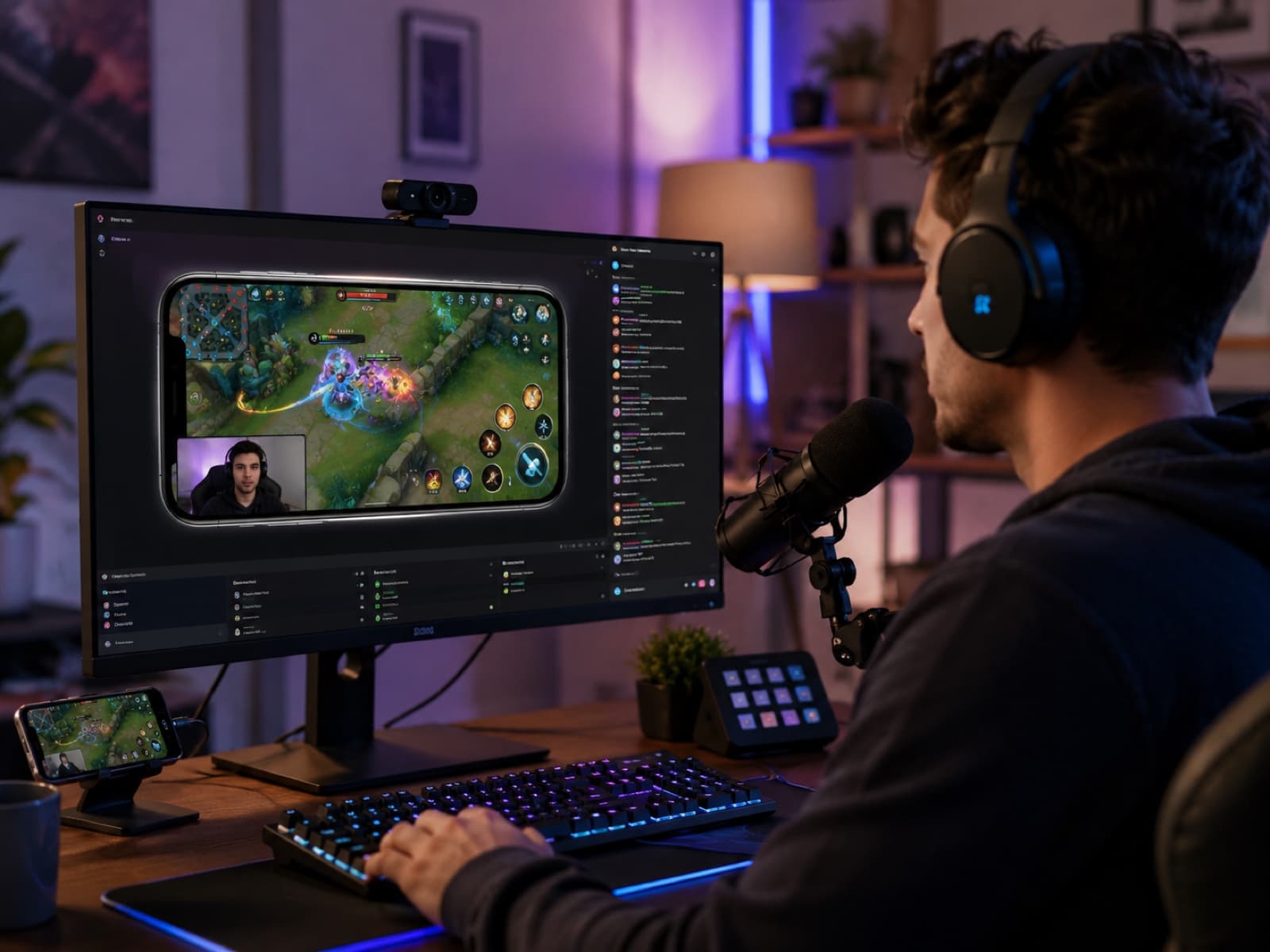
Mirror mobile games to your monitor at native resolution and record the runs worth keeping.
The workflow
How it goes, step by step.
- 1
Mirror the iPhone game to your monitor.
- 2
Record in full quality with synced mic.
- 3
Use AI to read stat panels.
- 4
Add a webcam bubble for streaming.
- 5
Window-capture into OBS or Twitch Studio.
What you can do
The practical bits.
Mirror any AirPlay-capable iOS game to your monitor at full quality.
Record runs in full 1080p on Free — up to 5 minutes a recording, 5 recordings a day — or at your screen’s full sharpness on Pro with no limits, with synced mic.
Record desktop games too — your whole screen, one window, or just the part you draw a box around.
Drag over a stats panel with Smart Extract and AI pulls out the numbers.
Add a face-cam bubble and feed into OBS or Twitch.
Type what you want — “blur my email and hide the camera here” — and it’s done. Undo with one click.
The benefit to you
Why it’s worth it.
- Play bigger — your monitor instead of a 6-inch screen.
- Save time — read stats without retyping them.
- Share afterwards — keep the runs worth keeping.
Features used
Everything you need, already in the app.
iPhone over AirPlay
Mirror in one tap. Record it, retake it.
Smart Capture
Zooms on every click. Snapshots of key moments.
Direct the video
Type the edit. Undo in one click.
AI write-ups
One tap on a snapshot — AI writes it up.
Export anywhere
MP4 up to 4K, or a PDF, Keynote or PowerPoint guide.
Related help articles
Want the manual?
Recording & sessions
How recordings work →
What ScreenSolo captures, the controls you get while you record, how snapshots are made, and where files end up.
Account & billing
What are the Free plan's limits? →
Mirroring and recording each run up to 5 minutes at a time, 5 times a day. What counts, what happens at the limit, and when it resets.
Getting started
Show your iPhone full screen with Focus Mode →
Focus fills the window with just your iPhone — ideal for presenting or sharing in a meeting. How to go in, how to come back, and what Free shows.
Recording & sessions
Exporting clips from a session →
Video, a trimmed clip, a GIF, a PDF or slide-deck guide, or your snapshots' text — all from one Export sheet (⌘E).
AI features & tokens
Smart Extract — drag the frame, get Markdown →
Hold ⌘⌥ (Ctrl+Alt on Windows) and drag over any part of the screen. Claude turns it into clean Markdown.
Ready when you are
Try the gamers workflow.
Free to download. No account needed for AirPlay mirroring, recording, or annotations. On Free, mirror and record five minutes at a time, up to five a day.