For marketing teams
Capture, create, share.
Capture pixel-perfect product screens, record onboarding walkthroughs, and turn them into personalised content for your channels — without waiting on a designer.
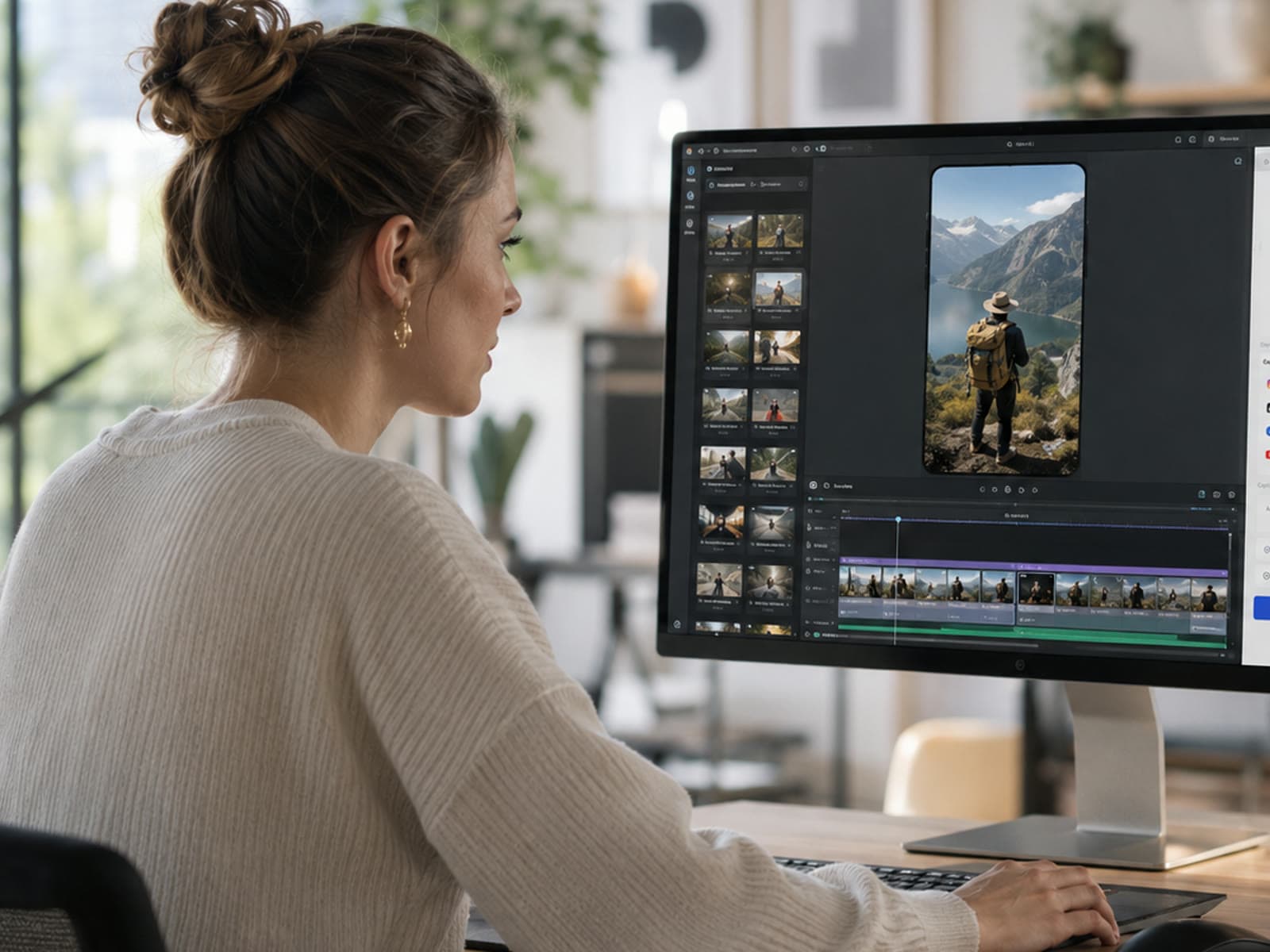
The workflow
How it goes, step by step.
- 1
Mirror the live app at native resolution.
- 2
Use Focus Mode to show the device full screen.
- 3
Record with a webcam bubble for onboarding clips.
- 4
Pull the text off any screen into your draft — no retyping.
- 5
Export a PDF or PowerPoint and share the file.
What you can do
The practical bits.
Record a website or product walkthrough straight from your desktop — your whole screen, one window, or just the part you draw a box around.
Mirror the live app and capture screens at full sharpness.
Record onboarding walkthroughs with a webcam bubble and voiceover.
Smart Capture zooms in on every click automatically. One dial makes every zoom stronger or softer at once.
Put your recording on a colour, gradient, or image backdrop so it looks polished, not plain.
Export one recording for YouTube, TikTok, or a square feed — up to 4K. It warns you if a size would look blurry.
Grab the text off any screen straight into your draft — no retyping.
Let the AI write up your snapshots, then export a PDF or PowerPoint to share however you like.
The benefit to you
Why it’s worth it.
- Save time — refresh a screenshot library in an afternoon.
- Improve outcomes — create onboarding clips without a video team.
- Share afterwards — posts and assets from one window.
Features used
Everything you need, already in the app.
iPhone over AirPlay
Mirror in one tap. Record it, retake it.
Smart Capture
Zooms on every click. Snapshots of key moments.
Direct the video
Type the edit. Undo in one click.
AI write-ups
One tap on a snapshot — AI writes it up.
Export anywhere
MP4 up to 4K, or a PDF, Keynote or PowerPoint guide.
Related help articles
Want the manual?
Recording & sessions
How recordings work →
What ScreenSolo captures, the controls you get while you record, how snapshots are made, and where files end up.
Getting started
Show your iPhone full screen with Focus Mode →
Focus fills the window with just your iPhone — ideal for presenting or sharing in a meeting. How to go in, how to come back, and what Free shows.
AI features & tokens
Smart Extract — drag the frame, get Markdown →
Hold ⌘⌥ (Ctrl+Alt on Windows) and drag over any part of the screen. Claude turns it into clean Markdown.
Recording & sessions
The iPhone layer →
On Pro desktop takes, the mirrored phone records as its own layer — move it, resize it, hide it, frame it, all after you stop.
AI features & tokens
AI snapshot write-ups and Session Summary →
Every snapshot gets an auto-drafted paragraph. One click rolls them up into a Session Summary.
Recording & sessions
Exporting clips from a session →
Video, a trimmed clip, a GIF, a PDF or slide-deck guide, or your snapshots' text — all from one Export sheet (⌘E).
Account & billing
ScreenSolo Teams — buying and running seats →
One subscription, per-seat — at a volume discount that grows with the team (−20% to −30%). Each seat is the full Pro subscription, managed from one admin console.
Ready when you are
Try the marketing workflow.
Free to download. No account needed for AirPlay mirroring, recording, or annotations. On Free, mirror and record five minutes at a time, up to five a day.